Logging in and out
version 0.1 | Read time 1m 03s
To author or review content on the EU Space portal you must sign in with an EU login account that has at least the Content author role for your organisation.
Signing in
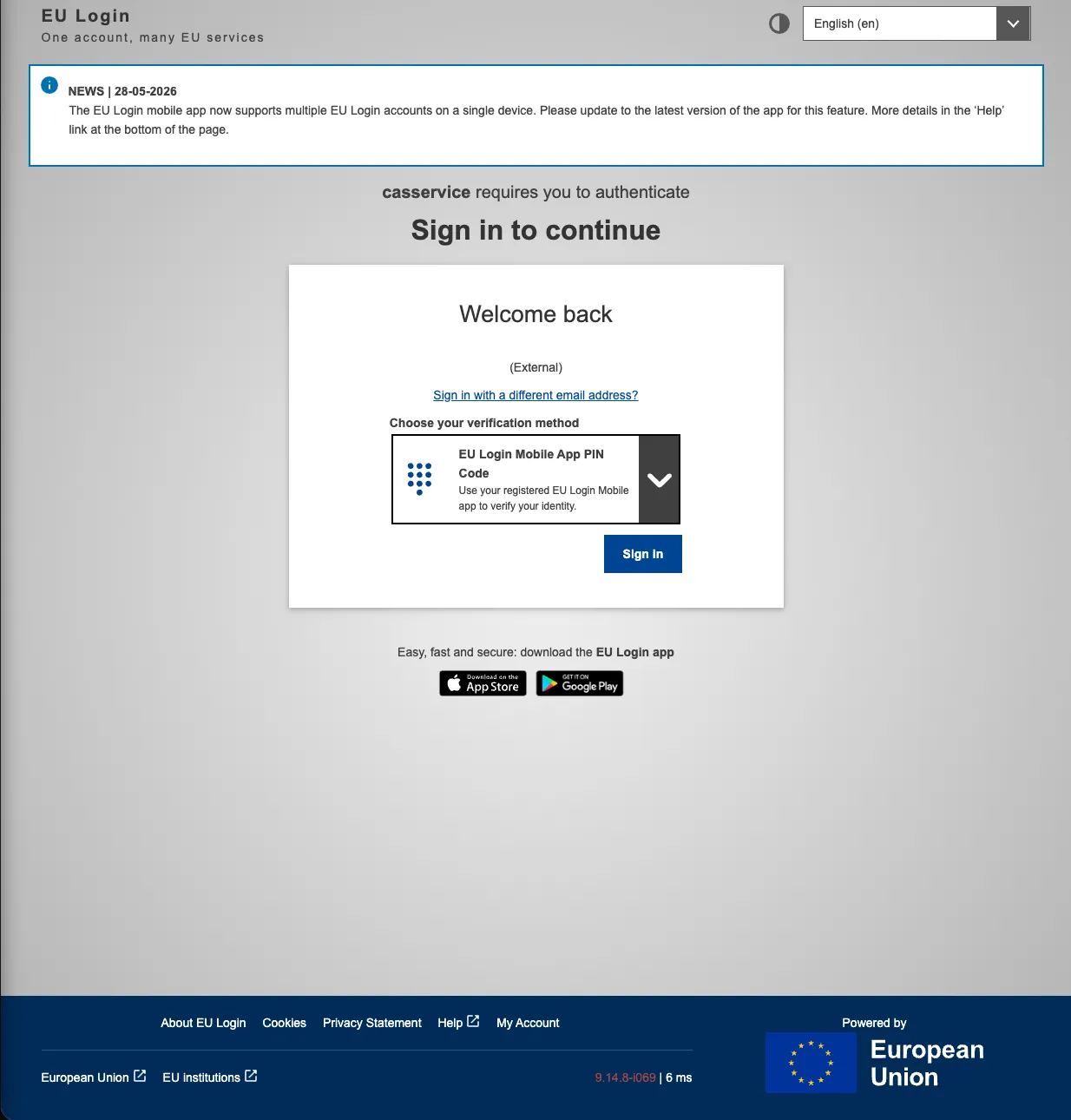
- Authentication is handled via EU Login. Navigate to /eulogin — you will be redirected to the ECAS login page. Log in with your EU Login account.
- On first sign-in your Drupal account is created automatically. Authenticated accounts have no access by default — an administrator must assign your account to the appropriate role and organisation before you can view or manage content.(see Access control).
After signing in
Once authenticated, the admin toolbar appears at the top of every page with the dashboard interfaces available to your account (Dashboard, Media, Categories, Menus).

Signing out
- Click your username in the top-right of the toolbar, then Log out.
- You will be redirected to the public homepage. EU Login may keep your single sign-on session active — closing the browser ensures the SSO session ends as well.
Note - on permissions
If a menu item or button you expect to see is missing, it is almost always a role / organisation-term restriction rather than a bug. Contact the technical team to confirm your assigned organisation term.